Play Monster Maker Walkthrough
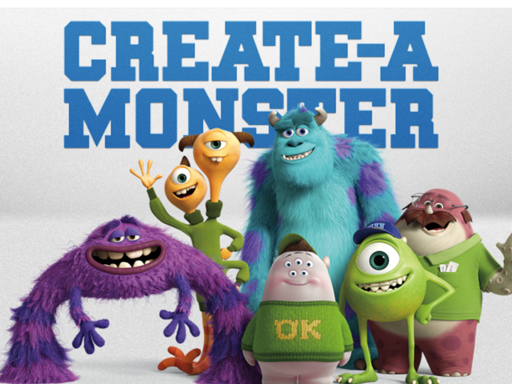
Monster Maker
-Click Generate to generate a random monster. - Enter a seed or leave it empty for a random result - Click Screenshot to take a picture of your Monster for a wallpaper (Add your name and share the screenshot!!) [Only in the Windows Build] - Click on the multi Color check if you want to randomize the color of your monster - Click on Background to choose another background
Puzzle Pieces
Makeup Slime Cooking Master 4
Idle Firefighter 3d
Among As Running
Fashion Nail Art Diy Blog
Wheel Duel
Unicorn Kingdom 2
Block Puzzle 2022
Jul Parking Simulator
Baby Happy Fishing
Archers.io
Apocalypse Truck
Shoot Run Monster Hunting
WarPath 2022
BikeTrial Forest Road 2022
Path Control Game
Frogger
Gnam Gnam
Fashion Makeup Nail Salon - Nail Game
Fruits Master
The Quest for Knowledge
Rescue Machine
FlappyCat Crazy Steampunk
Fruit Slice Juice
Blocky Combat Swat Fun 3D
Making Beverages
Bomber Friends 2 Player
Cubble on top
Offroad Mountain Taxi Cab Driver Game
Santa Wheel